Demon Blade Controls
PC keybinds, mobile layout, and combat inputs every Slayer and Demon should memorize.
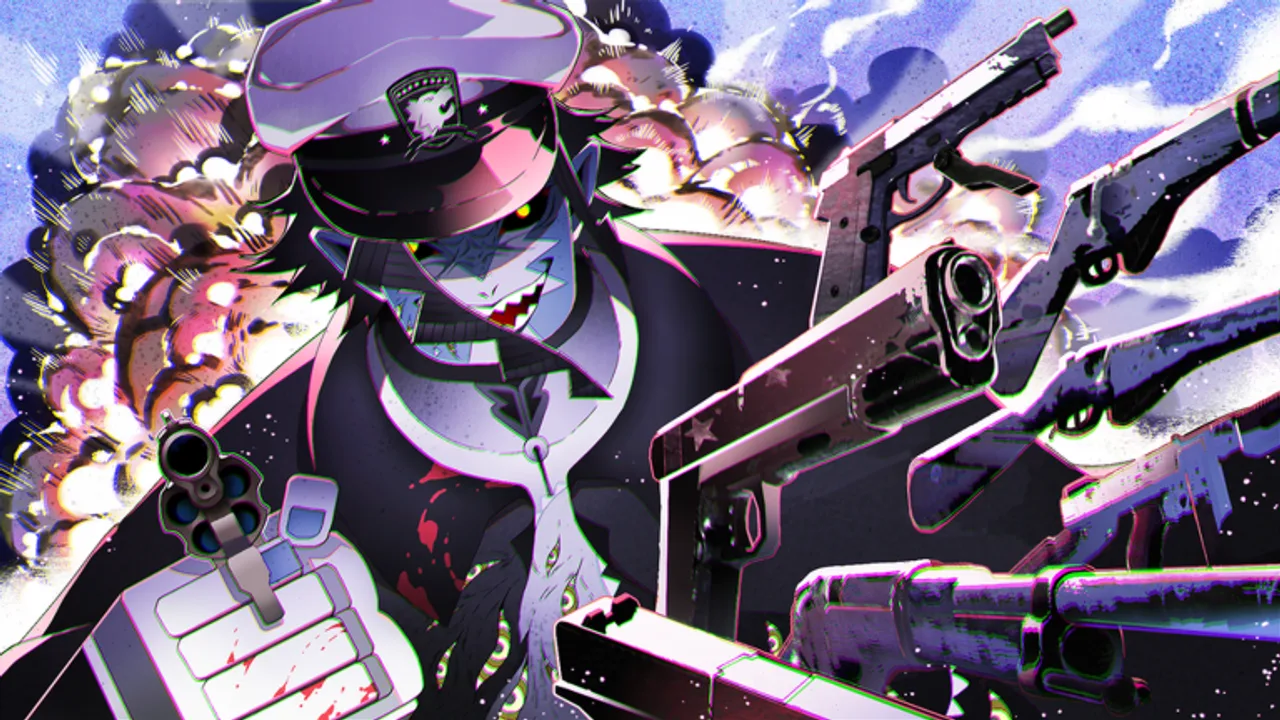
Winning fights in Demon Blade starts with muscle memory. Breathing Styles and Blood Demon Arts demand precise inputs — mistimed blocks and whiffed dashes kill runs faster than under-leveled stats. This controls guide lists default bindings for PC, mobile, and common gamepad layouts, plus combat tips that apply to every path.
PC controls overview
Roblox uses a hybrid of default Roblox keys and Demon Blade ability bindings. Confirm yours in Settings → Keybinds after major patches — DemonCube occasionally remaps skills during reworks.
Movement and camera
| Action | Default key |
|---|---|
| Move | W A S D |
| Jump | Space |
| Sprint / run | Shift (hold) |
| Camera | Mouse |
| Lock-on / target | Click enemy (varies) |
Smooth camera control separates good Slayers from great ones. Practice circling bosses while holding block.
Combat basics
| Action | Default key |
|---|---|
| Light attack / M1 combo | M1 (left click) |
| Block / guard | F or right click (confirm in-game) |
| Dash / evade | Q or double-tap direction |
| Ability 1 | One |
| Ability 2 | Two |
| Ability 3 | Three |
| Ultimate / special | Four or R (style-dependent) |
Exact ability keys shift per Breathing Style — Sun, Thunder II, and Reaper BDA kits use different cooldown rhythms. Spend ten minutes in a safe zone testing each slot after unlocking a new move.
Menus and UI
| Action | Default key |
|---|---|
| Open settings / codes | Gear icon (HUD) |
| Inventory / stats | Tab or I (varies) |
| Chat | Enter |
| Roblox menu | Esc |
Redeem codes through the gear icon, not chat. See How to Redeem Codes for the full flow.
Mobile controls
Mobile players use on-screen buttons. Layout changes slightly by device aspect ratio.
Mobile combat layout
- Virtual joystick — bottom left for movement
- Attack button — bottom right; tap for M1 strings
- Block button — near attack; hold during telegraphed swings
- Dash swipe — double-tap direction or dedicated dash button
- Ability buttons — numbered icons above attack; cooldown overlays show readiness
Enable landscape mode for clearer HUD and fewer mis-taps. Portrait mode cramps ability buttons during Sun and Moon fights.
Mobile tips
- Increase Roblox touch sensitivity if dashes feel sluggish
- Use a stylus only for menus — combat needs quick thumb taps
- Claim codes on mobile the same way as PC via the gear menu
Gamepad controls
Gamepad support follows common Roblox action layouts:
| Action | Xbox-style |
|---|---|
| Move | Left stick |
| Camera | Right stick |
| Light attack | X |
| Block | LT |
| Dash | B or RB (confirm) |
| Abilities | Y, RB, RT combinations |
Rebind in Roblox settings if shoulder buttons feel awkward for block-heavy breaths like Rock or Beast.
Combat mechanics tied to controls
Understanding inputs is not enough — know what each input does mechanically.
M1 combos
Light attacks chain into strings. Third or fourth hits often guard-break. Do not spam M1 into blocking elites; mix abilities between strings.
Blocking and posture
Hold block to reduce damage. Sustained blocking builds posture damage — when posture breaks, you stagger wide open. Release block between enemy combo strings.
Dashing and i-frames
Dashes grant brief invulnerability frames. Dash through wide arcs, not into point-blank grab attacks. Boss guides in Bosses Walkthrough note which moves are dash-safe.
Ability meter
Skills consume meter or stamina depending on patch. Empty the bar during boss vulnerability windows — opening burst with abilities beats safe M1-only patterns.
Path-specific control notes
Slayer Breathing Styles
- Water / Mist — slower strings; prioritize block timing
- Thunder / Thunder II — fast teleports; bind dash nearby
- Sun / Flame II — animation-heavy; learn cancel windows in How to Get Sun Breathing
Demon Blood Demon Arts
- Arrow / Spider — ranged; camera aim matters on mobile
- Reaper / Destroy — melee burst; dash-in then ability
- Ice / Black Thunder — setup tools; hold abilities for zone control
Demons share movement bindings but ability telegraphs differ — read How to Play Demon Blade for BDA timing.
Settings that improve control feel
- Lower Roblox graphics if input lag spikes on mobile
- Disable unnecessary chat bubbles during bosses
- Use Shift lock on PC for cleaner strafing (Roblox setting)
- Test FPS unlock only on stable hardware — stutter causes missed blocks
Practice routine (10 minutes)
- M1 string into block release on a training dummy or weak mob
- Dash through a telegraphed swing three times in a row
- Fire each ability on cooldown to learn animation lock
- Open gear menu once to muscle-memory code redemption
Repeat after every new breath unlock. Getting Started recommends this before level 15 elites.
Related guides
- Getting Started — when to learn controls in progression
- Builds and Stats — stats that reward good inputs
- Bosses Walkthrough — boss-specific dodge timing
Controls do not change daily, but ability kits do. Re-test bindings after major reworks listed on Updates.
Frequently Asked Questions
Quick answers for Demon Blade players.
How do you block in Demon Blade?
Hold F or right click on PC, or hold the block button on mobile. Release between enemy combo hits to avoid posture break.
How do you dash in Demon Blade?
Press Q on PC or double-tap a direction on mobile. Dashes give brief invulnerability — use them through wide attacks, not grabs.
Where are ability keys on PC?
Most kits bind abilities to number keys 1–4 or R for ultimates. Check your keybind menu after unlocking new moves.
Do mobile controls differ from PC?
Same mechanics, different layout. Mobile uses on-screen buttons and virtual joystick. Landscape mode is strongly recommended.
How do I redeem codes on mobile?
Tap the gear or settings icon on the HUD, enter the code, and press GET — identical to PC redemption.
Can I rebind keys in Demon Blade?
Roblox supports keybind changes in settings. Demon Blade-specific ability slots may still follow style defaults — verify after patches.